%20MA%20.png?width=2550&height=208&name=NHMC%20Header%202023%20(2550%20%C3%97%20208%20px)%20MA%20.png)
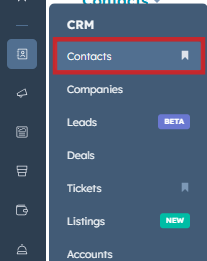
- Navigate to Contacts Object from CRM section of left sidebar menu.
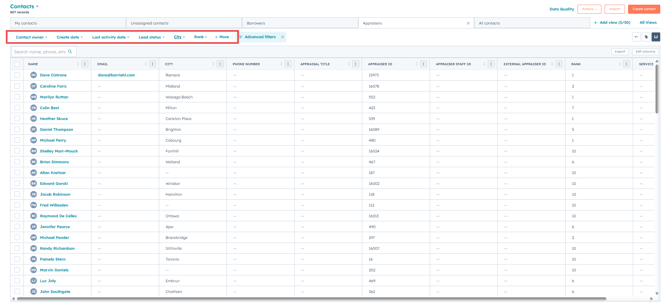
- Select Appraisers View from Contacts Dashboard.

- Use the quick filters to filter out the Appraisers based on their City, Rank, Service Areas, etc.
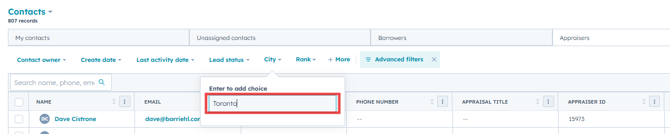
- To Filter Appraisers based on City, Click on the City filter and Add the City value for which you want to filter the Appraisers. For this demo we have used 'Toronto' as the City filter
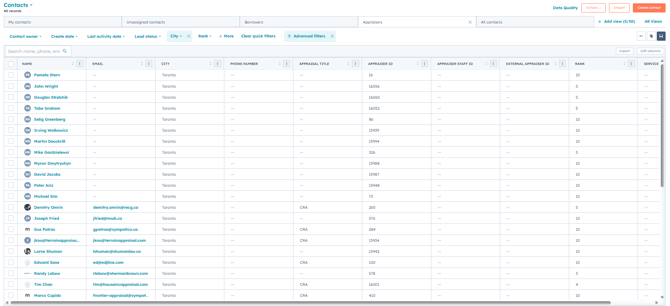
- This will provide a list of Appraisers within the City 'Toronto'
NOTE: Similarly you can use the Appraisal Tool in the Companies Object to filter out Appraiser Companies based on Certain criteria.